Oxio Referral Code – How I Saved Money by Switching to Oxio
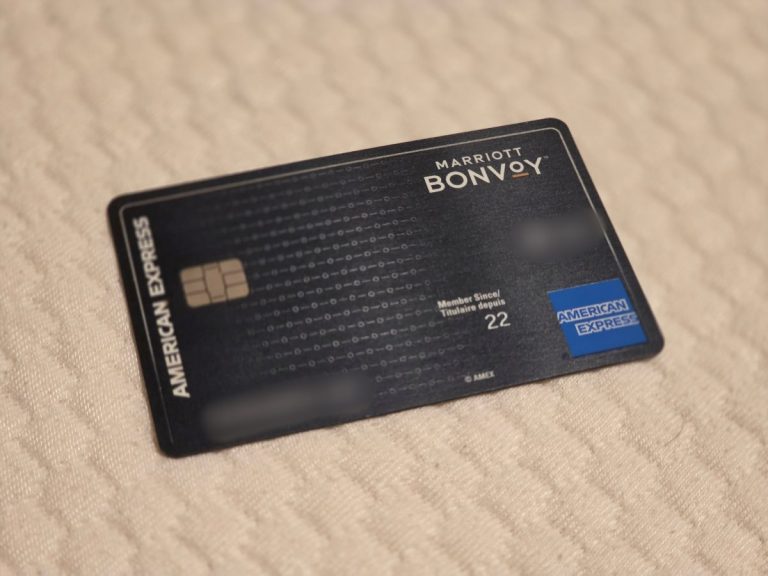
Oxio Referral Code: R3G336P
Use this code at checkout to get your first month free.
You can sign up directly on Oxio’s website using the referral code above.Disclosure: If you stay with the service for more than two months, I also receive one free month. I’m sharing this because I actually use Oxio and plan to keep using it.
When $80 Slowly Turned Into $100+
I used Cogeco for many years.
At first, my internet bill was around $80 per month.
Not cheap, but acceptable. Then it started creeping up.
$85 → $90 → and eventually, over $100.
Nothing changed. No fiber upgrade. No speed boost.
Same cable internet, higher price.
How I Found Oxio
While looking for alternatives, I came across Oxio.
What caught my attention was simple:
- It uses the same Cogeco network
- The plans are straightforward
- The price was almost half of what I was paying
Honestly, I was skeptical.
Cheaper internet usually comes with compromises.
But then I saw the referral offer, one month free.
I figured I’d try it for a month and cancel if it wasn’t good.
The Result: I Never Switched Back
I switched from Cogeco to Oxio, and I’m still using Oxio.
The connection feels the same as before.
The modem is from the same manufacturer Cogeco uses.
Speed and stability are comparable.
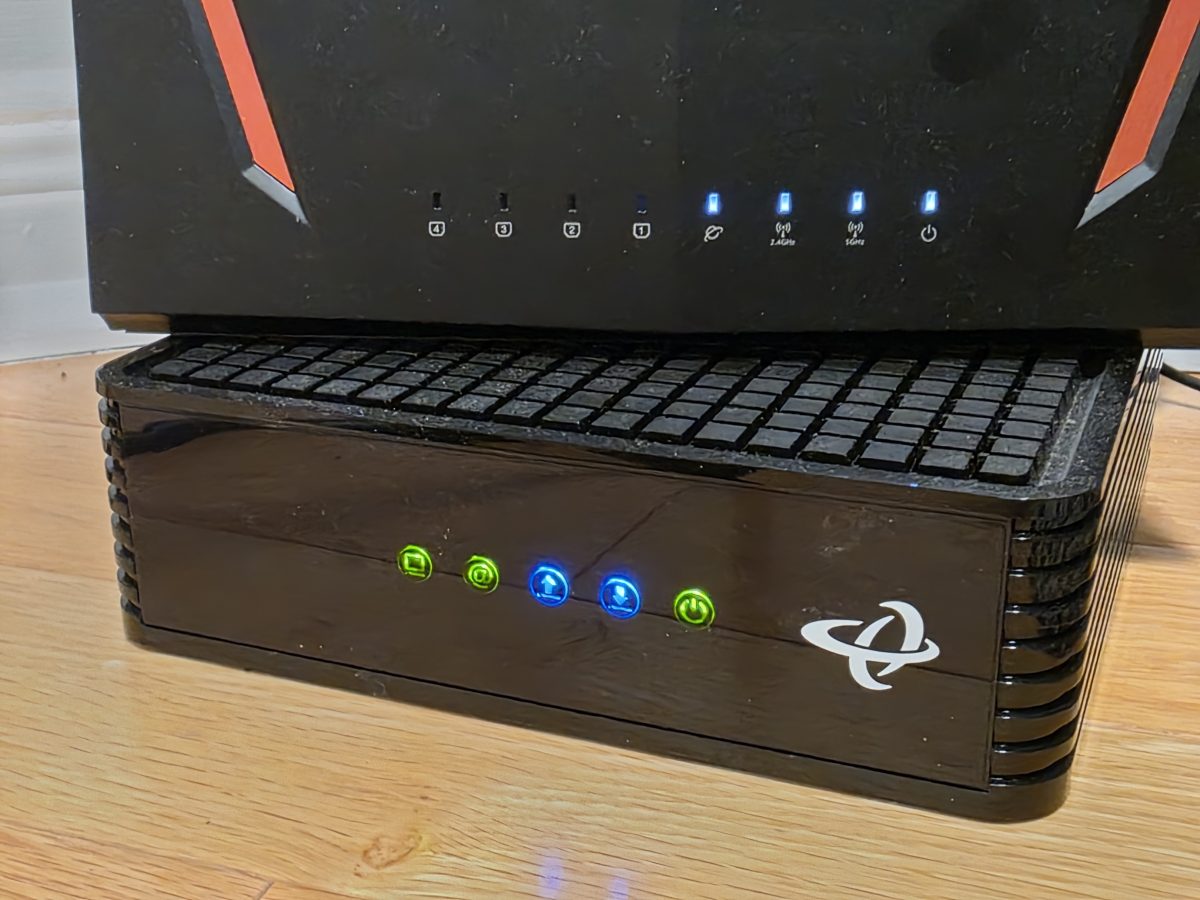
The difference is the bill (about 50% off).
No surprise increases.
No promo-expiration emails.
Just a fixed monthly price.
Final Thought
If your internet bill has quietly passed $100, it’s probably worth taking a look at alternatives.
Switching sounded annoying, but it turned out to be easy and the savings were immediate.
If you want to try it, you can use this code:
Oxio Referral Code: R3G336P
(First month free)
If you want to check the plans yourself, you can visit Oxio’s official website and apply the referral code during signup.